How-to
How to write a video script from a blog post
A blog post is not a video script. Here's how to turn an article into a scene-by-scene script with a hook, ordered beats, and a call to action — plus a free generator that does the first draft for you.
Why you can't just read your blog post aloud
Writing is built for the eye; video is built for the ear. A blog post can open with a slow, contextual paragraph because a reader can skim ahead. A video can't — you have about three seconds before someone scrolls past, so the first line has to earn attention immediately.
The other difference is structure. An article flows as continuous prose. A video is a sequence of scenes, each with something on screen and something spoken. To go from one to the other, you're not editing sentences — you're re-cutting the whole thing into beats.
The anatomy of a short video script
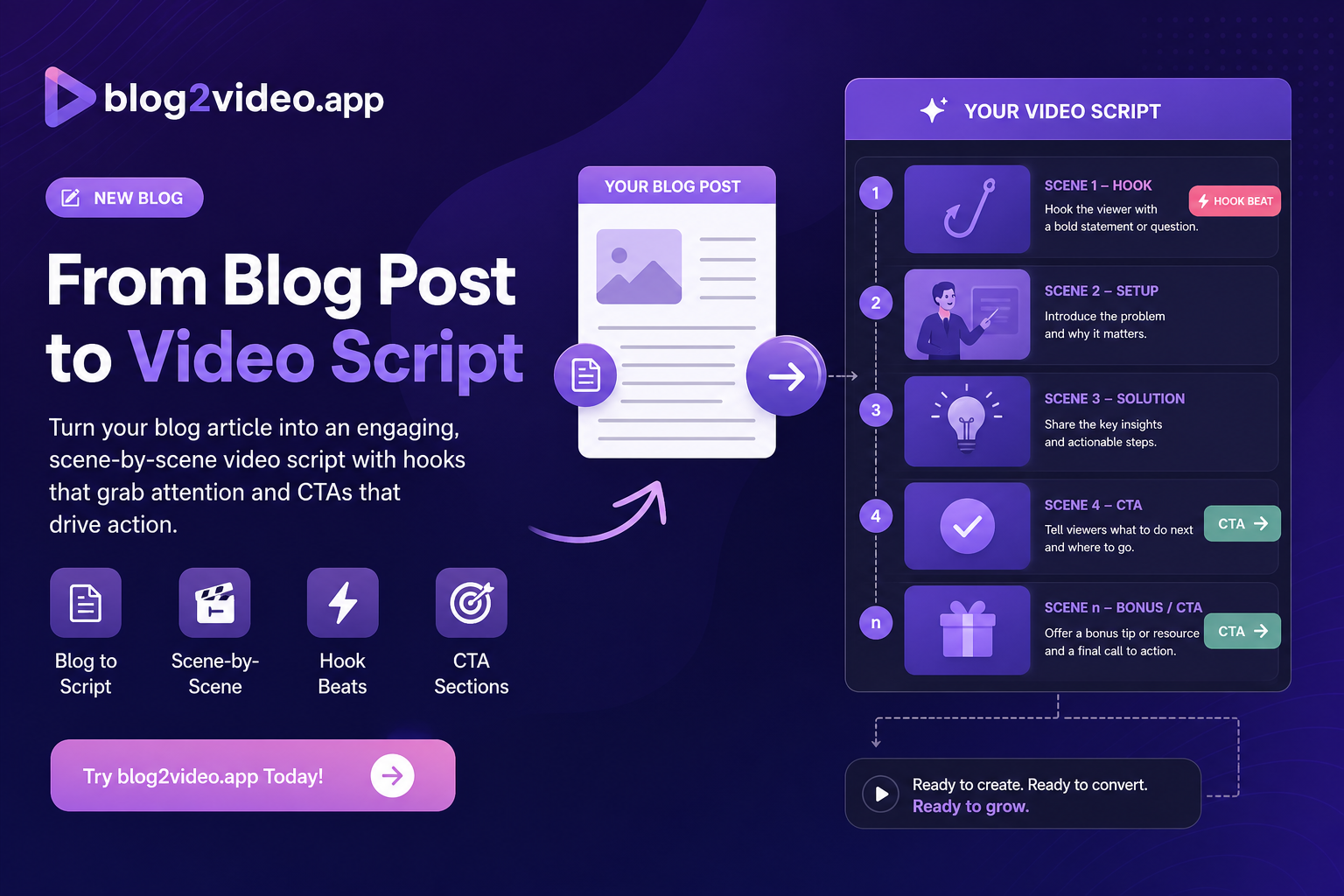
Almost every effective short follows the same shape, regardless of topic:
- Hook (scene 1): a punchy opening line that creates curiosity or states a bold promise. No throat-clearing, no "in this video."
- Beats (middle scenes): the key ideas from your post, in a logical order, one idea per scene.
- Payoff and CTA (final scene): the takeaway, then a clear next step appropriate to the platform.
Turn your article into beats
Read your post and pull out the three to nine ideas that actually carry it. Each becomes one scene. Drop the transitional prose, the caveats, and the SEO padding — video has no room for them.
For each beat, write two things: a short on-screen label (what the viewer sees) and one or two spoken sentences (what you'll read aloud). Keep the spoken lines short and conversational — write for the ear, not the page.
Let the free generator do the first draft
You don't have to start from a blank page. Our free Video Script Generator takes a topic, a blog URL, or a few notes and returns a full scene-by-scene script — a hook, ordered beats with on-screen text and voiceover, and a closing call to action. Pick a tone (explainer, promotional, storytelling, or casual) and a length, and edit from there.
Treat the output as a strong first draft: tighten the hook, personalize any specifics, and adjust the CTA to match where the video will live.
From script to finished video
Once the script reads well out loud, the fastest path to a finished video is to skip manual editing entirely. Paste the same article into Article Video Studio and it generates a narrated video from it — script, scenes, voiceover, and visuals — so the script you just shaped becomes a real video in minutes.
Frequently Asked Questions
Is the video script generator free?
Yes. The Video Script Generator is free to use with a Article Video Studio account. Paste a topic, blog URL, or notes and it returns a scene-by-scene script you can edit and record.
How long should a video script be?
Match the platform. A 60-second Short is roughly 130-160 spoken words (4-5 scenes); a long-form YouTube explainer can run 12-15 scenes. The generator lets you pick short, medium, or long.
Can I write a script from an existing blog post?
Yes — that's the ideal input. Paste the topic or the article URL and the generator drafts a spoken, scene-by-scene version of that content, which is the natural first step before turning the post into a narrated video.