How-to
How to write an SEO YouTube description
YouTube reads your first two lines the hardest. Here's how to write a description that front-loads your keyword, earns the click, and helps the video get recommended — plus a free generator for the description and tags.
The first two lines do most of the work
YouTube weights the opening of your description heavily, and those same one or two lines are what viewers see above the "show more" fold. So the first sentence has to do two jobs at once: front-load your primary keyword and clearly state what the viewer will get.
Everything after that adds context YouTube uses to understand and recommend the video — but if the first lines are weak, the rest rarely gets read.
A description structure that ranks and converts
Use a simple, repeatable shape:
- Line 1-2: primary keyword plus the core promise, in natural language.
- Middle: two to four short paragraphs expanding on the value, using related terms naturally (no keyword stuffing).
- Chapters: timestamps once the video is edited — great for retention and for surfacing in search.
- Close: a clear call to action (subscribe, or a link) and any disclosures.
Tags still help — use them well
Tags are a secondary signal, but they're free to add and worth getting right. Use a mix of broad and specific long-tail terms that genuinely describe the video, lowercase, without the "#" prefix (those are hashtags, a separate thing you can add in the description if you want them).
Don't pad the tag field with loosely related keywords — relevance matters more than volume.
Generate the description and tags in one step
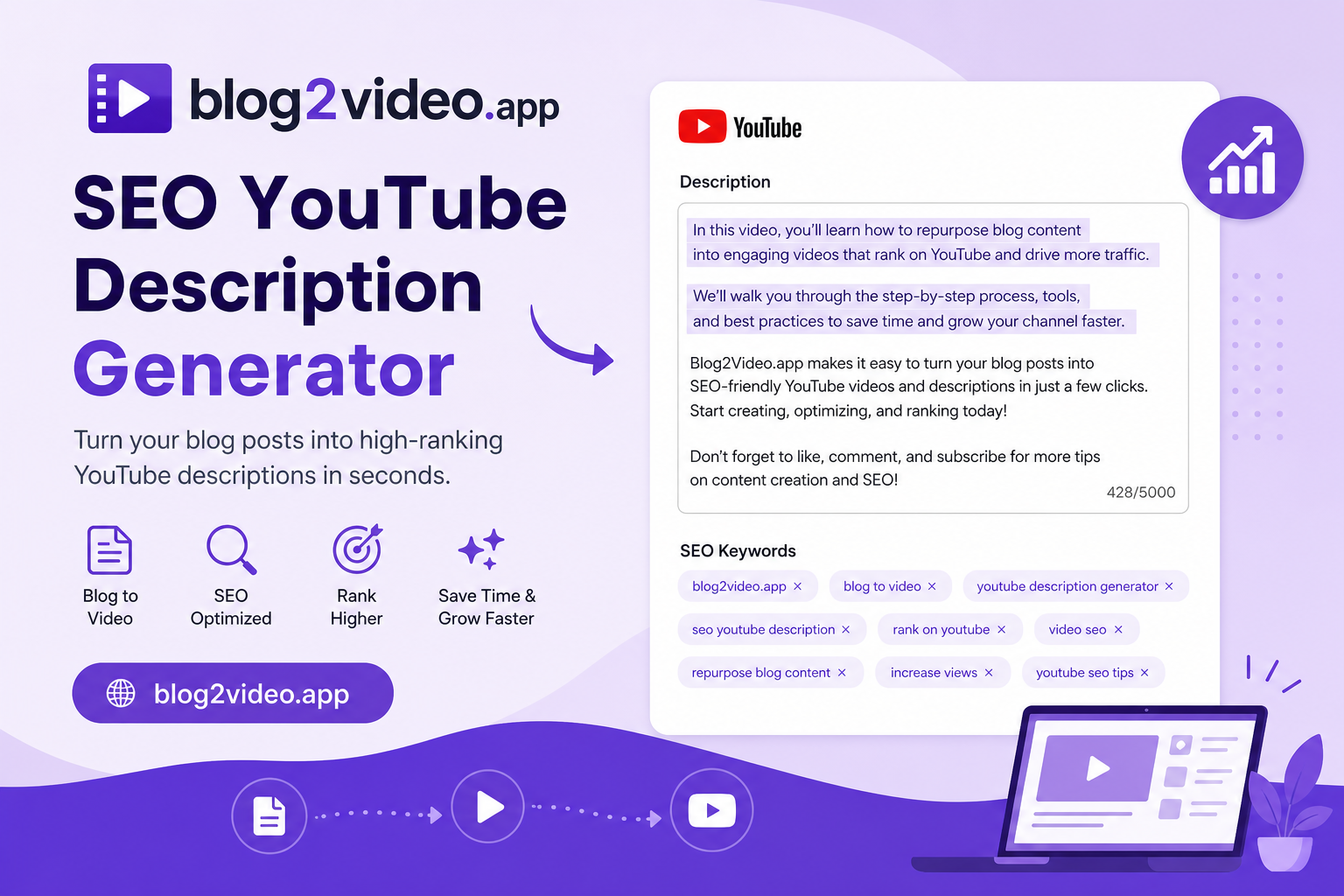
Our free YouTube Description Generator takes your video topic, title, or full transcript and returns a search-optimized description with the keyword front-loaded, a clear value section, and a call to action — plus a ready-to-paste set of relevant tags.
Paste it in as a starting point, then add your real links, timestamps, and disclosures, and prune any tags that don't fit.
Frequently Asked Questions
How long should a YouTube description be?
Long enough to give real context — usually a few short paragraphs — but the first one or two lines matter most, since that's what shows above the fold and what YouTube weights most heavily.
Do YouTube tags still matter?
They're a secondary ranking signal, but they're free and worth adding. Use 12-15 relevant tags mixing broad and long-tail terms. The generator produces these automatically alongside the description.
Can I generate a description from a transcript?
Yes. Paste a topic, a title, or a full transcript — the more detail you provide, the more specific and accurate the description and tags will be.